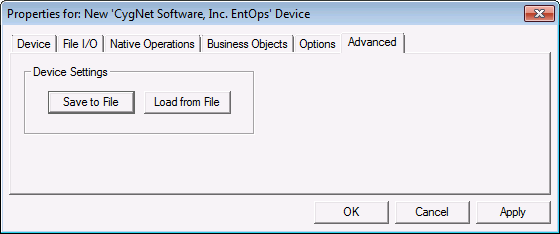
Use the Advanced page to save device settings to a specified file location, or load device settings from an existing file location.
Options are as follows.
Click Save to File to save the device configuration to an XML definition file. Navigate to the desired file location, type the file name, and click Save.
Or click Load from File to import the device configuration from a previously saved XML definition file. Navigate to the desired file, select it, and click Open.
|
|
|

